×

System Monitor App

Overview

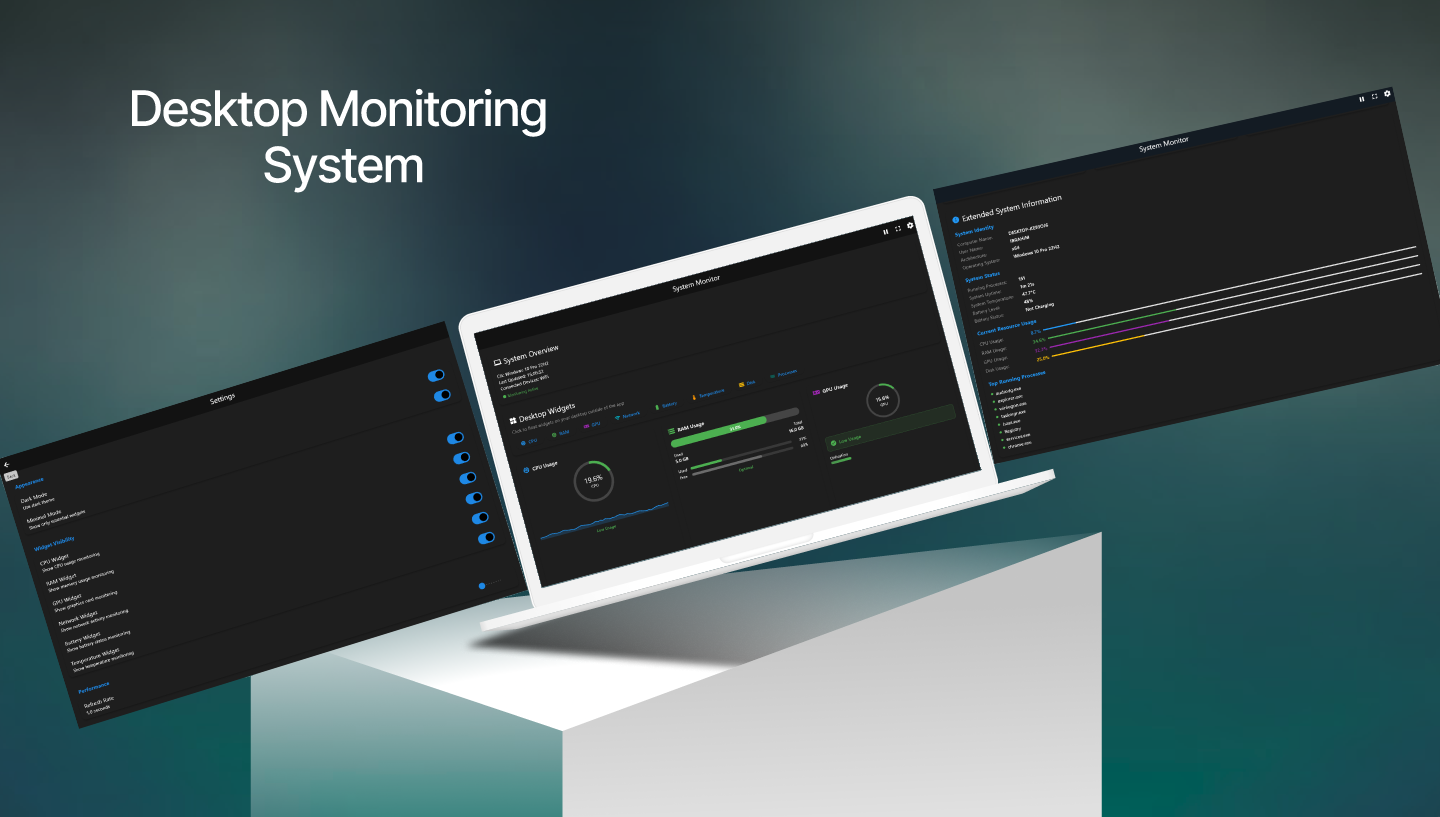
System Monitor is a powerful desktop application that provides comprehensive real-time monitoring of your system's performance metrics. Using modern UI/UX design principles and efficient data collection algorithms, System Monitor delivers CPU, RAM, GPU, Network, Battery, and Temperature monitoring with floating desktop widgets and customizable visualization options for optimal system oversight.

Platform

Windows 10/11 View on GitHub

Technologies

.NET Core / Framework

Used as the core framework for building the Windows desktop application.

Modern UI/UX

Includes Dark Mode, Minimal Mode, and a responsive design for a clean user experience.

Efficient Data Collection

Uses optimized algorithms for low-impact, real-time data retrieval.

Desktop Widgets

Provides floating, draggable widgets for continuous monitoring.

Gallery

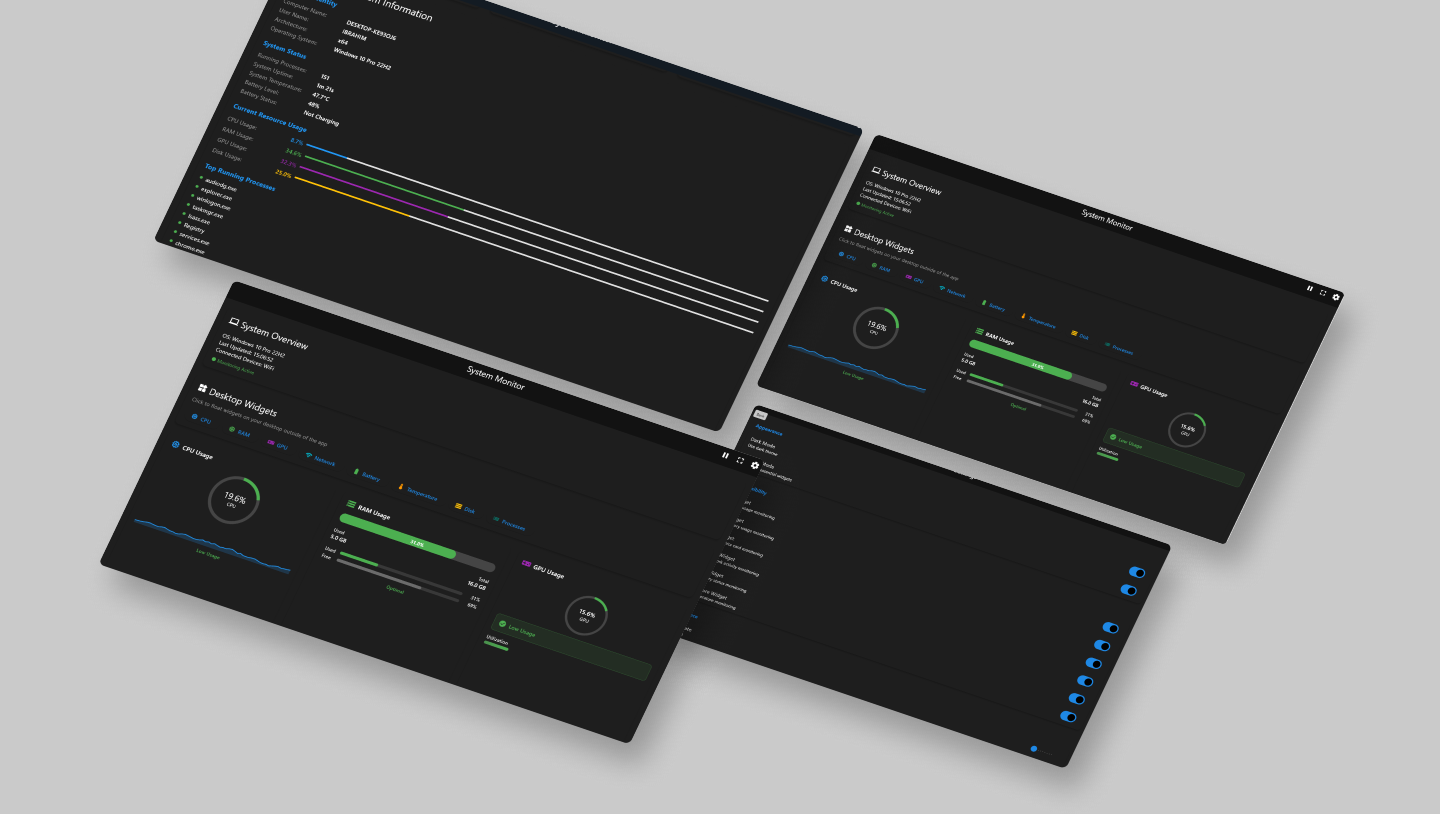
System Monitor Dashboard System Monitor Widgets

Key Features

1. Real-Time Monitoring

Live tracking of CPU, RAM, GPU, Network, Battery, and Temperature.

2. Modern User Interface

Sleek dark mode, a clean minimal mode, and intuitive navigation.

3. Desktop Widgets

Floating, draggable widgets for all metrics with minimize/expand functionality.

4. Performance Optimization

Configurable refresh rates and low system resource consumption for background monitoring.

5. Detailed Analysis

Provides extended information on system identity, status, and running processes.

Monitored Metrics

CPU: Usage percentage, historical graphs, and process load.

RAM: Used/Free memory, utilization percentage, and optimal status.

GPU: Graphics utilization, memory usage, and performance status.

Network: Upload/download speeds and connectivity status.

Battery & Temp: Charge level, power state, and system temperature monitoring.

Processes: Running processes count and top resource consumers.

Conclusion

System Monitor is a comprehensive tool for developers, gamers, and system administrators who require real-time performance data. This project showcases the development of a high-performance, low-impact .NET desktop application with a modern, user-centric interface and powerful features like detachable widgets. It demonstrates a strong understanding of system-level data collection and efficient UI design.